


A quick guide: how to choose the right DICOTA Privacy Filter for your device
Not sure which privacy filter fits your laptop, tablet, or monitor? With hundreds of device models on the market, choosing the right screen filter can feel overwhelming. Learn how to choose between magnetic and adhesive attachments, decide between 2 way and 4 way protection, and find the exact match for your setup using DICOTA's online Product Finder.

Finding the perfect filter for your hardware and your daily workflow is not easy. With hundreds of laptop models, tablet sizes, and monitor dimensions on the market, a one size fits all approach simply does not work, and choosing the wrong filter means sacrificing either device functionality or visual protection. At DICOTA, we have engineered a wide range of screen filters designed to match specific user behaviours and hardware profiles. Here is how to find the right one for your setup.
Step 1: choose your attachment method
Do you work in the same spot all day, or are you constantly moving between environments? This is the biggest differentiator between DICOTA filters, and your choice should depend on whether you want a flexible solution or a permanent shield.
- DICOTA Magnetic Privacy Filters are ideal if you constantly switch environments. If you want full privacy on the train but prefer a completely unfiltered screen when working alone at home, our magnetic line is the perfect fit. They snap onto the magnetic bezel of modern laptops, such as MacBooks or Microsoft Surface devices, in less than a second and can be pulled off just as quickly without leaving any residue.
- DICOTA Adhesive Privacy Filters are best if you want 24/7 protection without ever removing the shield. These filters use a thin, premium adhesive layer that bonds the filter directly to the screen surface. This is the ideal choice for corporate fleets and touchscreen devices, ensuring that data protection compliance is maintained at all times while protecting the display from scratches.
Step 2: choose your axis of protection
How exposed is your screen when you are working, and who might be looking at it? Depending on how you use your device and the level of security you need, the right directional protection makes a real difference.
- DICOTA 2-Way Privacy Filters protect your screen horizontally from two sides, left and right. Anyone looking from a side angle greater than 30 degrees will see only a dark, blank screen. This is the standard, ideal solution for laptops and desktop monitors, ensuring the person sitting next to you on a flight, train, or in an open plan office cannot read your data, while you maintain perfect clarity from the front.
- DICOTA 4-Way Privacy Filters provide complete 360 degree protection from all four sides: left, right, top, and bottom. This option is highly recommended for mobile hardware like smartphones and tablets. It ensures total data security even when you rotate your device between portrait and landscape modes, blocking the view from any angle.
Step 3: match the filter to your device family
Not sure which line covers your device? DICOTA categorizes its filters to match specific product ecosystems. Explore our tailored product lines, available for the MacBook and Surface collections, the universal notebook line from 11.6 inches up to 17.3 inches, and large desktop monitors up to 34 inch ultrawide. If your device uses touch gestures, our touch optimized family ensures that the touch response remains 100 percent accurate.
No more guesswork
Once you know your device family, there is still one question left: which exact model do you need? DICOTA provides an online Product Finder to answer that instantly. Simply enter your laptop brand and exact model number, or measure your screen dimensions, and our database reveals the precise matching DICOTA product number.
Secure your data without compromising your hardware experience. Try the DICOTA Product Finder today and equip your workplace with precision protection.
More stories
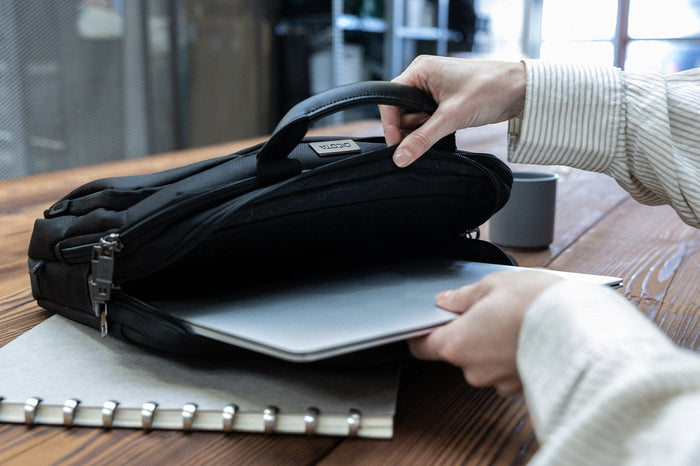
Everything you need to know about DICOTA Slim Case SEVEN
The DICOTA Slim Case SEVEN combines a sleek, lightweight design with advanced protection for modern hybrid professionals. With DICOTA Cushion Technology, RFID protection, a tracker slot, smart organization, and durable recycled PET materials, it keeps your laptop, data, and essentials secure wherever work takes you. Premium, practical, and built for long-term use, it offers protection without the bulk.
Learn more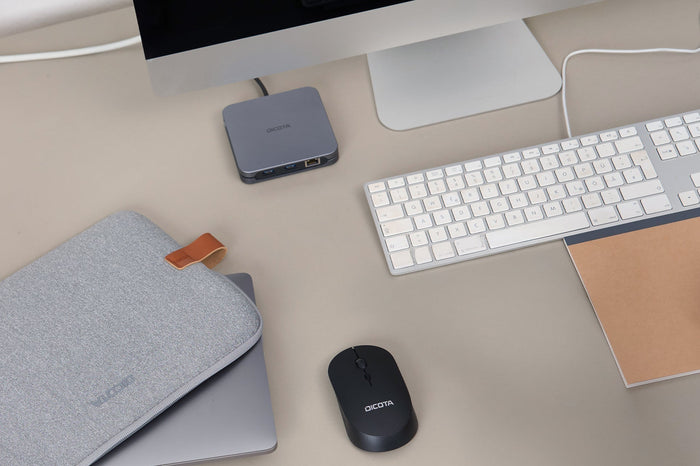
How a DICOTA Docking Station improves your workstation productivity?
A laptop offers flexibility, but a docking station can transform it into a powerful, fully connected workstation. DICOTA Docking Stations simplify your setup with one-cable connectivity, multiple 4K displays, fast charging, and the ports you need for your peripherals. Reduce cable clutter, stay connected, and create a more efficient workspace designed around the way you work.
Learn more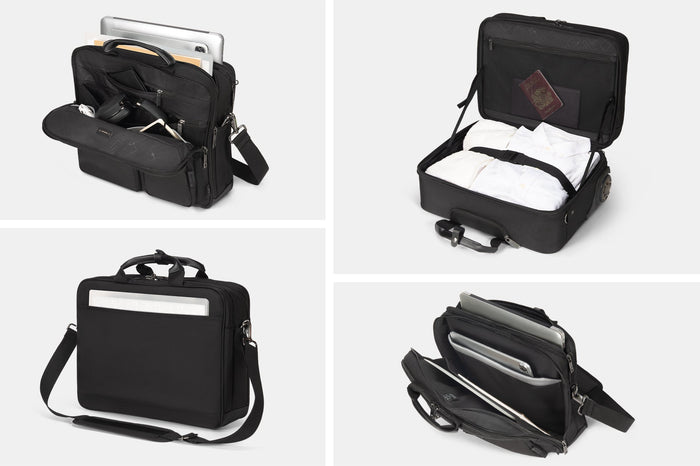
Why every pocket has a purpose at DICOTA?
Every day brings different challenges, and your bag needs to keep up. DICOTA carrying solutions are designed as mobile ecosystems, with dedicated compartments that keep laptops, tablets, accessories, and personal essentials organized, protected, and easy to access. Combining smart functionality, professional design, and sustainable recycled PET materials, DICOTA helps you move seamlessly between university, work, and everything in between.
Learn more